About the KIT
What is KIT?
KIT is a university. And it belongs to the Helmholtz Association of German Research Centres. At the KIT scientists do research and teach. They work on important topics. These topics are important to all people.
For example, they ask:
How can energy be generated without harming the environment?
How can you make the Internet secure so no one can steal money or data?
The area of knowledge in which a researcher knows a lot is called the specific field.
KIT's Fields of Research
KIT works in many different fields:
- Natural sciences
- Engineering
- Economics
- Humanities
- Social sciences
Researchers in Karlsruhe want to know a lot about their fields. But they also want their research to help people in everyday life. That is why they work on new ideas and practical inventions.
About KIT FORGE
What is KIT FORGE?
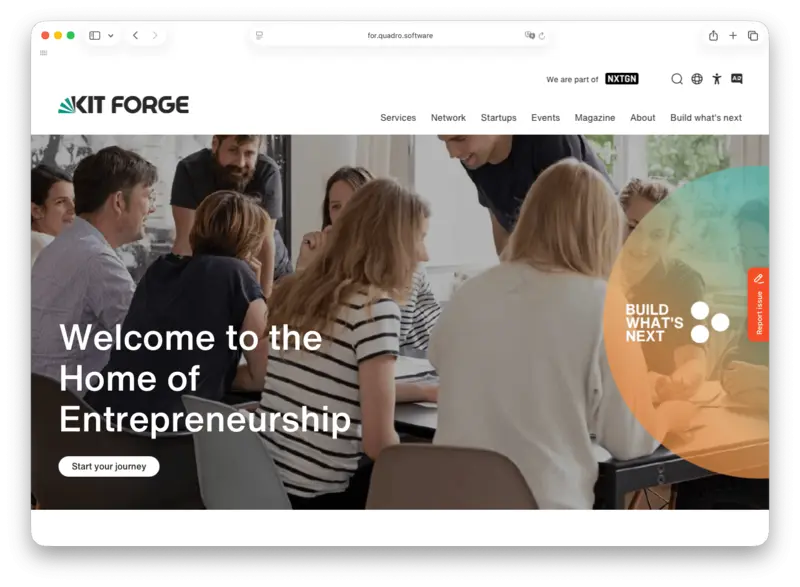
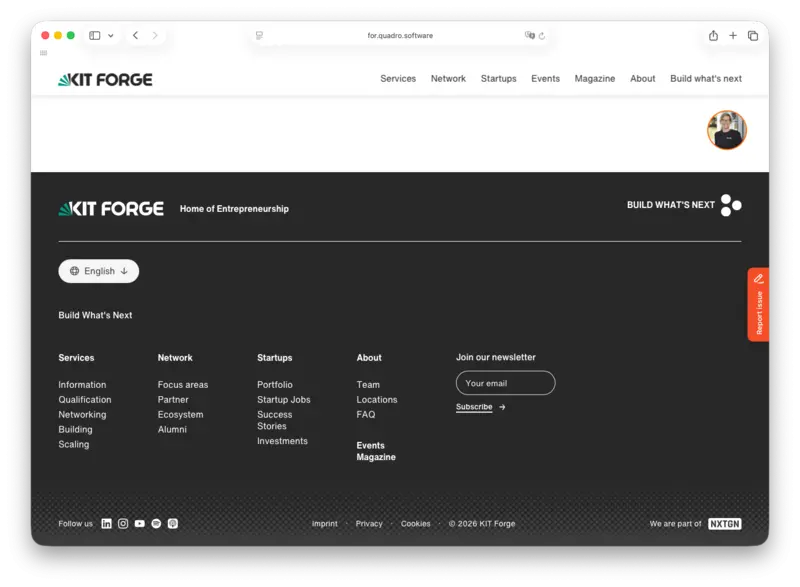
KIT FORGE is the startup hub at KIT.
We help students, researchers, and founders turn good ideas into real businesses.
We support you at every step of your journey — from a first idea to a successful company.
How we help you:
- Mentoring & Advice: Experienced experts help you develop your idea.
- Workshops & Learning: You learn how to build and grow a startup.
- Workspaces & Labs: You get space and tools to test your ideas.
- Networks & Money: We connect you with business partners, investors, and other founders.
Who is KIT FORGE for?
- Students with creative ideas
- Researchers who want to bring science to the market
- Founders who want to grow their startup
Accessibility Statement
Accessibility
Is our website easy for everyone to use?
Some people may have difficulty using websites. For example, they may not be able to see, hear or use a mouse.
There are rules to make websites accessible. These rules are part of a law in the state of Baden-Württemberg, Germany.
Checking Accessibility
KIT wants everyone to be able to use its websites.
We check our websites to find and remove barriers.
Our checks have shown that some barriers still exist.
For example, some videos have sound but no subtitles. Deaf and hard-of-hearing people may not be able to understand these videos.
Report an Accessibility Problem
Do you have difficulty using our website?
Please contact us. We will try to help you.
Address
Karlsruhe Institute of Technology (KIT)
Corporate Communications
Kaiserstraße 12
76131 Karlsruhe
Germany
Email: internetredaktion@km.kit.edu
Phone: +49 721 608-41105
Conciliation Office
Have you reported an accessibility problem to us?
Have we not been able to solve the problem?
You can contact the Conciliation Office. They can help you find a solution.
Address
Office of the State Commissioner for the Disabled
Else-Josenhans-Straße 6
70173 Stuttgart Germany
Email: Poststelle@bfbmb.bwl.de
Phone: +49 711 279-3360